
How to top up Steam in Ukraine with cryptocurrency
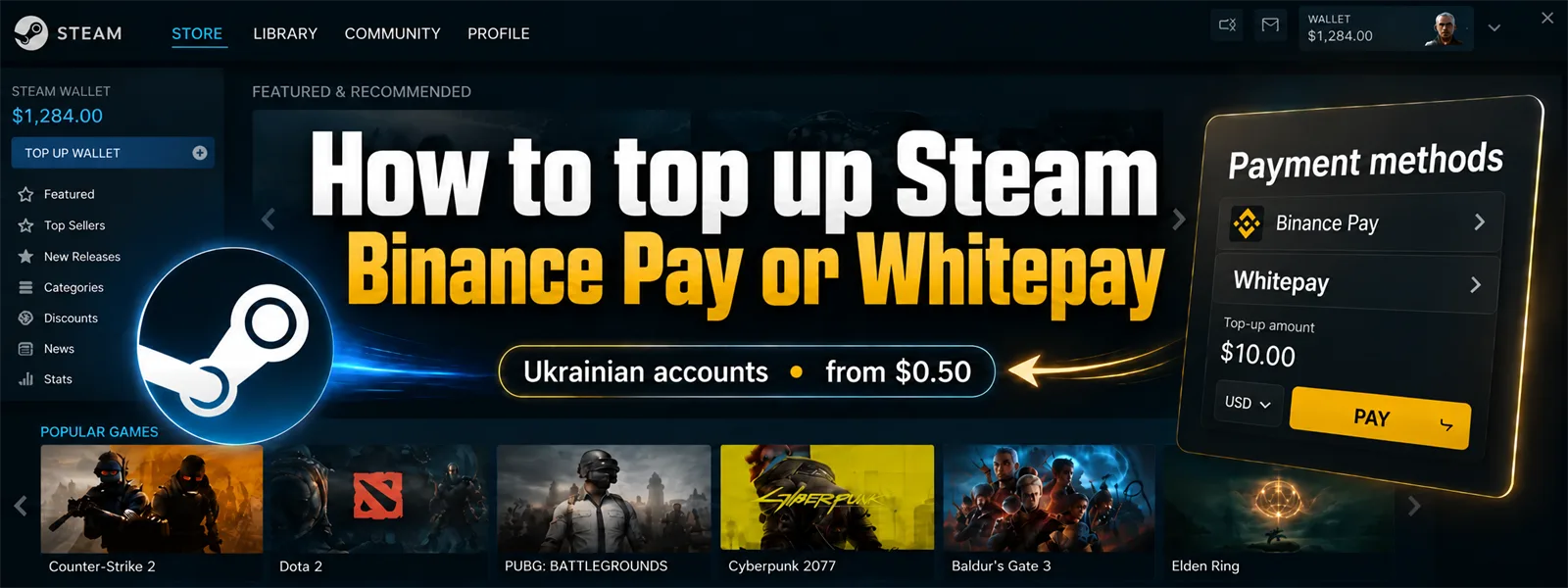
Top up a Ukrainian Steam account with cryptocurrency through Binance Pay or Whitepay. Funds are credited directly to Steam Wallet using the account name you provide. You do not need to redeem a code or gift card.
The minimum top-up is USD 0.50. Start with this amount if you want to try the service before making a larger purchase.
Top up Steam
The minimum top-up is USD 0.50. Start with this amount if you want to try the service before making a larger purchase.
Top up Steam
Steam top-up conditions
- Account region: Ukraine only.
- Minimum top-up amount: USD 0.50.
- Payment: Binance Pay or a cryptocurrency available in the Whitepay payment form.
- Delivery: direct Steam Wallet credit using your account name.
- Steam details: your account name; no password or Steam Guard code. An email address is needed for the order confirmation and receipt.
- Before paying: check the account name, region, amount to be credited and payment total.
Choose Binance Pay to pay with USDT from Binance. If your cryptocurrency is held in another wallet or on another exchange, choose Whitepay and a currency supported by its payment form. You do not need to sell your crypto through P2P for this purchase.
With Whitepay, check the currency, network, address, exact amount and payment request expiry. The transfer network must match the network shown in the payment form. Account for any fee charged by your wallet or exchange.
With Whitepay, check the currency, network, address, exact amount and payment request expiry. The transfer network must match the network shown in the payment form. Account for any fee charged by your wallet or exchange.
How to top up Steam with cryptocurrency
- Open the Steam top-up page.
- Choose an amount in USD. You can start with USD 0.50 for a trial purchase.
- Enter your Steam account name and an email address for the order confirmation.
- Check that your Steam store country is Ukraine and wait for the account details check.
- Choose Binance Pay or Whitepay. Check the amount to be credited and the payment total.
- Follow the instructions for your chosen payment method. Once payment is confirmed and the order is fulfilled, check your Steam Wallet balance.
Your Steam account name is enough for the top-up. Do not share your password, Steam Guard code or access to your email account.
Where to find your Steam account name
Your Steam account name is the permanent name you use to sign in. Your public profile nickname, SteamID, email address and profile link cannot be used in its place.
In the Steam client or on the Steam store website, click your profile name in the top-right corner and select Account details. At the top of the page, find the heading Account [name]. The name in this heading is the one needed for the top-up.
Copy it into the order form and check each character. Check the store country on the same page. If you cannot sign in and have forgotten your account name, use the account recovery process on the official Steam Support website.
In the Steam client or on the Steam store website, click your profile name in the top-right corner and select Account details. At the top of the page, find the heading Account [name]. The name in this heading is the one needed for the top-up.
Copy it into the order form and check each character. Check the store country on the same page. If you cannot sign in and have forgotten your account name, use the account recovery process on the official Steam Support website.
Which Steam accounts are supported
This top-up method is available only when the Steam store country is Ukraine. Using Ukrainian interface language or being physically in Ukraine does not determine your account region.
Accounts from other regions, including wallets in EUR or PLN, are not supported by this service. Check the store country in Account details before ordering. Do not use a VPN to change regions and bypass Steam rules.
Accounts from other regions, including wallets in EUR or PLN, are not supported by this service. Check the store country in Account details before ordering. Do not use a VPN to change regions and bypass Steam rules.
What happens if you enter the wrong account name
Check the account name before paying. If the account check rejects your details, correct them before confirming payment. If you enter another real account name and funds have already been credited to it, they cannot be automatically moved to your wallet.
Contact support with the order number. Refund handling depends on the payment and fulfillment status. A completed top-up to the wrong account does not qualify for an automatic refund.
Contact support with the order number. Refund handling depends on the payment and fulfillment status. A completed top-up to the wrong account does not qualify for an automatic refund.
Steam Wallet balance limits
Steam Support currently lists a wallet limit of approximately USD 2,000, or a similar value in another currency. Valve also says that wallets associated with multiple Steam accounts are considered together for this limit. The restriction may change.
Before making a large top-up, account for funds already in your wallet and check the current Steam rules.
Before making a large top-up, account for funds already in your wallet and check the current Steam rules.
Top-up amount, exchange rates and fees
You choose the top-up amount in USD. Credited funds appear in your account wallet currency; the store shows an indicative amount in hryvnias before payment. Cryptocurrency is used to pay for the order, while your Steam account receives ordinary wallet funds.
For USDT payments through Binance Pay, the top-up fee is 0%: a USD 1 top-up corresponds to a payment of 1 USDT. This is not a universal exchange rate for other cryptocurrencies.
With Whitepay, check the checkout total and the exact cryptocurrency amount shown in the payment form. Account separately for any network or sending-service fee. USD 0.50 is the minimum top-up denomination; the final payment cost can differ by payment method.
For USDT payments through Binance Pay, the top-up fee is 0%: a USD 1 top-up corresponds to a payment of 1 USDT. This is not a universal exchange rate for other cryptocurrencies.
With Whitepay, check the checkout total and the exact cryptocurrency amount shown in the payment form. Account separately for any network or sending-service fee. USD 0.50 is the minimum top-up denomination; the final payment cost can differ by payment method.
What to do if your balance has not changed
Check the order status and payment status in your chosen service, then refresh your Steam balance and transaction history. With Whitepay, the wait may depend on network confirmation of the transfer.
Do not pay for a second order until you have checked the first one. If payment is confirmed but your balance has not changed, contact support. Include your order number, payment method and a status screenshot with personal details hidden. Never send your password, Steam Guard code, wallet seed phrase or private key.
Do not pay for a second order until you have checked the first one. If payment is confirmed but your balance has not changed, contact support. Include your order number, payment method and a status screenshot with personal details hidden. Never send your password, Steam Guard code, wallet seed phrase or private key.
Frequently asked questions
Do I need Binance to top up Steam?
You only need Binance when choosing Binance Pay. Whitepay lets you pay from another wallet or exchange with a cryptocurrency supported by its payment form.
Can I start with a USD 0.50 top-up?
Yes. The minimum top-up denomination is USD 0.50, so you can try the service with a small purchase. Check the payment total and any fees before paying.
Can I top up a Steam account from another region?
This top-up method supports only the Ukrainian Steam store region. Interface language or being physically in Ukraine does not replace your account country setting.
Do I need to redeem a code or gift card?
No code needs to be redeemed. Once payment is confirmed and the order is fulfilled, funds are credited directly to the Steam Wallet of the account name provided.
Sources and update date
The conditions and instructions were updated on 10 October 2026. Before paying, check the account region, amount to be credited and payment form details. Steam and payment service rules can change.





Discussion
0Sign in to leave a comment on this article.
Sign inIt is quiet here for now. Start the discussion.