
Buy PUBG G-Coin Activation Codes
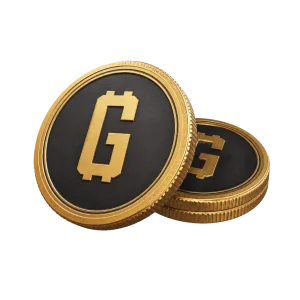
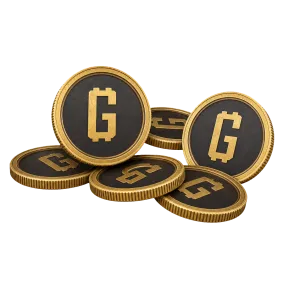
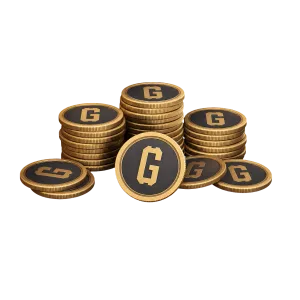
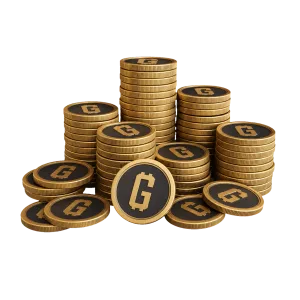
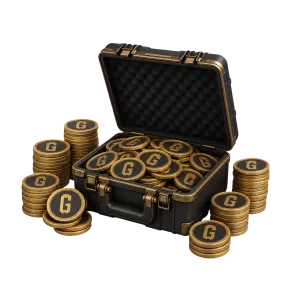
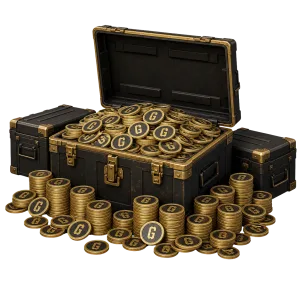
Buy G-Coin activation codes for PUBG: Battlegrounds. Choose the required denomination and receive your digital code after payment on Potik.
How you receive itDigital keyUsuallyUp to 2 minPlatformSteam
Frequently asked questions
Which PUBG version supports these G-Coin codes?
They work with the Steam version of PUBG: Battlegrounds on PC. They do not work with PUBG Mobile or versions on other platforms. The product name states the G-Coin amount.
How do I redeem a G-Coin code?
This code works only with the Steam version of PUBG: Battlegrounds on PC. Launch PUBG through Steam, open Store → Items from the main menu, select Add Bonus/Gift Code in the bottom-left corner, enter the code, and choose Redeem. The code is not compatible with PUBG Mobile, PlayStation, or Xbox.
Do I need a Player ID to buy a code?
No. Potik delivers a ready-to-use code without game account details. Check the Steam account before redemption: a used code cannot be moved to another account or redeemed again.
Where do I choose a payment method?
Use the Payment method section at checkout. It lists only the options available for the current order.
Where can I see the final order total?
Look for Total payable in the checkout section. It appears to the right of the product on desktop and below the order options on mobile.
Where can I check my order status?
Open the order page or My Purchases in your account. You will see whether the order is processing, completed, or rejected.
What should I do if my order is taking a long time?
Check the status in My Purchases. If it does not change, send the order number to support. Do not place the same order again while the first one is processing.
Where do I get the digital code after payment?
Open the completed order page. The code appears there with its delivery status.
How do I activate the digital code?
Copy the code from the completed order and redeem it on the platform named in the product. Contact support before activation if you are unsure about compatibility.
What should I check before buying a digital code?
Match the platform, game edition, and region on the product card to your account and device. A mismatch may prevent activation.