
Ghostrunner

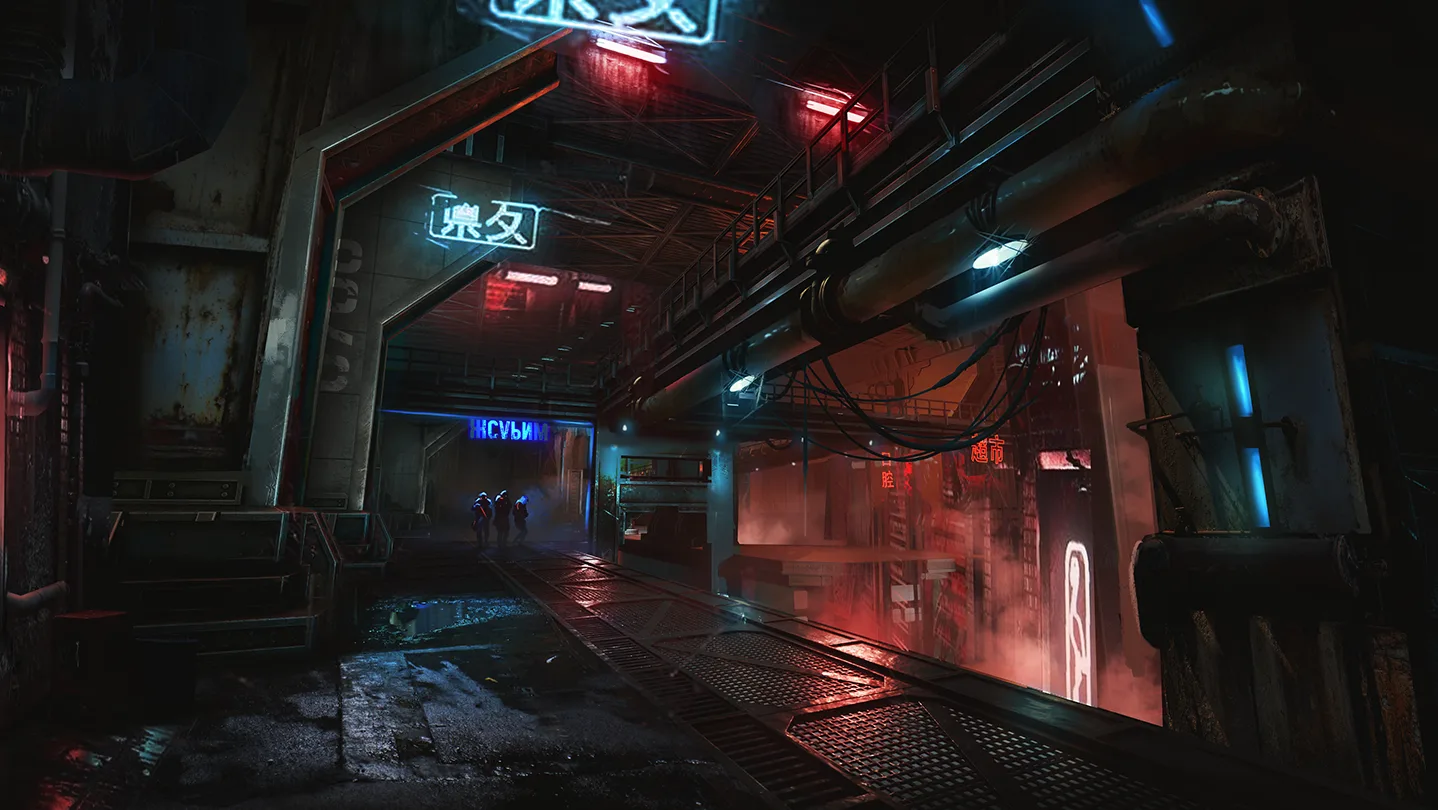
Ghostrunner offers a unique single-player experience: fast-paced, violent combat, and an original setting that blends science fiction with post-apocalyptic themes. It tells the story of a world that has already ended and its inhabitants who fight to survive.

Fulfilment methodDigital key
Platform and regionSteam · Ukraine
Edition
Ghostrunner: Complete Edition
27.23USD
Delivered automatically after payment is confirmedSteam · UkraineRefund terms

Screenshots

1 / 6
Game information from Steam

About the game

Ghostrunner offers a unique single-player experience: fast-paced, violent combat, and an original setting that blends science fiction with post-apocalyptic themes. It tells the story of a world that has already ended and its inhabitants who fight to survive.

Developer
One More Level, 3D Realms, Slipgate Ironworks™, All in! Games
Publisher
505 Games
Release date
27 Oct, 2020
Genres
Action
Languages
English * , French, Italian, German, Japanese, Polish, Portuguese - Brazil, Russian, Simplified Chinese, Spanish - Latin America, Korean, Traditional Chinese, Spanish - Spain, Ukrainian * languages with full audio support

System requirements

Minimum

OS *
Windows 7, 8.1, 10 x64
Processor
Intel Core i5-2500K (4 * 3300) AMD Phenom II X4 965 (4 * 3400) or equivalent
Memory
8 GB RAM
Graphics
GeForce GTX 1050 (2048 MB) / Radeon RX 550 (4096 MB)
Storage
22 GB available space
Additional Notes
60FPS, Low settings, 720p)

Recommended

OS *
Windows 7, 8.1, 10 x64
Processor
Intel Core i7-6700K (4 * 4000) or AMD Ryzen 5 1500X (4 * 3500) or equivalent
Memory
8 GB RAM
Graphics
GeForce GTX 970 (4096 MB) or Radeon RX 5700 (8192 MB)
Storage
22 GB available space
Additional Notes
(60FPS, High settings, 1080p)

How to activate a key on Steam

Activation takes only a few minutes. Make sure the key region matches your Steam account first.

  1. 1Copy the keyOpen your order on the website and copy the code without any extra spaces.
  2. 2Sign in to SteamLaunch the Steam desktop app and sign in to the account you want to use.
  3. 3Open activationOpen the Games menu and choose Activate a Product on Steam.
  4. 4Confirm the codePaste the key and finish activation — the game will appear in your Library.

Do not share the key: it cannot be used again after the first successful activation.

Frequently asked questions

After payment is confirmed, the digital key will appear automatically in your order on the website. A copy will also be sent to the email entered during checkout.
On the platform shown for your selected product. Steam is the source of game information and reviews, not necessarily the activation platform.
The service and supported region are shown before you choose an edition. Check them before payment — they must match your account region on the selected platform.
Yes. Enter the recipient’s email during checkout and send them the delivered code. Make sure the edition and activation region match their account on the selected platform before paying.
Check the selected edition description above the price. If you need a particular DLC and it is not listed there, contact support before purchasing.
The final total reflects the terms of the selected payment method. You will see the current price before continuing to payment.
Check the code, account, and activation region. If the error remains, take a screenshot and contact support with your order number.
Do not reveal or activate the key. Contact support immediately with your order number. Refund eligibility is determined under the Refund Policy.