Costume Quest

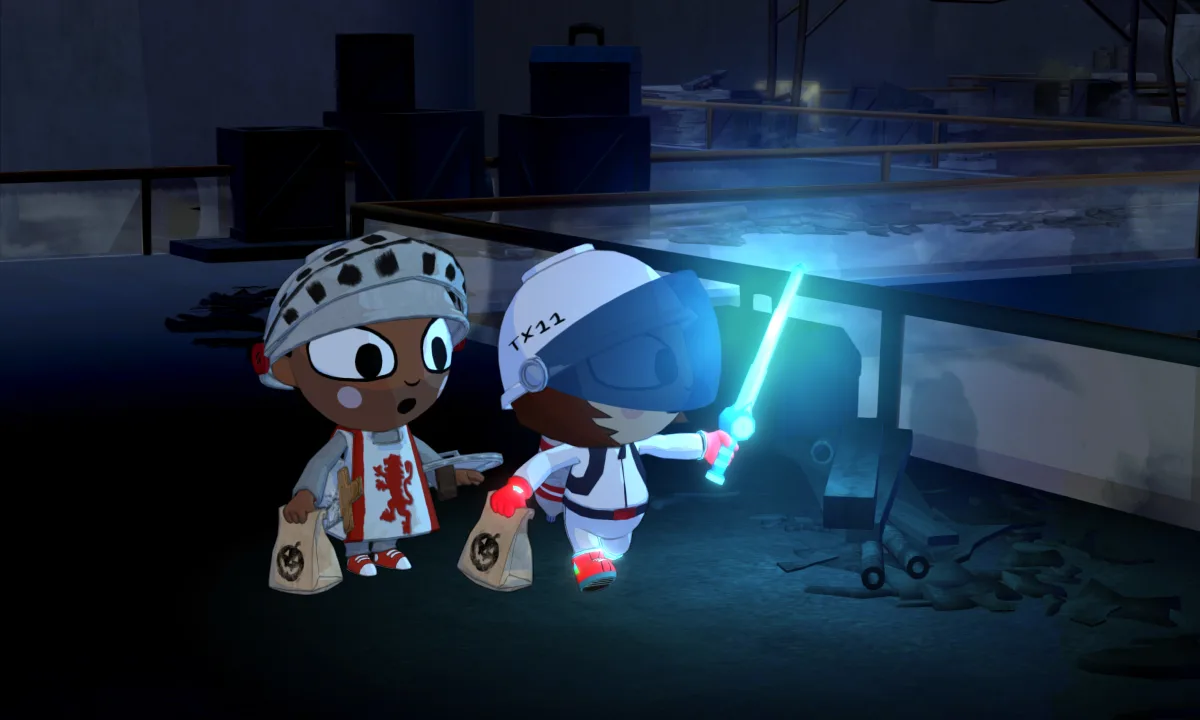
A Halloween role-playing adventure with turn-based battles. Recruit companions, complete quests and collect costumes that transform the children into powerful champions.

Fulfilment methodDigital key
Platform and regionSteam · Ukraine
Costume Quest2.91USD−22%Steam price3.72$
Delivered automatically after payment is confirmedSteam · UkraineRefund terms

Screenshots

1 / 6
Game information from Steam

About the game

A Halloween role-playing adventure with turn-based battles. Recruit companions, complete quests and collect costumes that transform the children into powerful champions.

Developer
Double Fine Productions
Publisher
Double Fine Productions
Release date
14 Oct, 2011
Genres
Adventure · Casual · RPG
Languages
English, French, German, Italian, Spanish - Spain

System requirements

Minimum

OS *
Windows XP SP3
Processor
1.4 GHz dual core CPU
Memory
1 GB RAM
Hard Disk Space
1.0 GB free hard drive space
Video Card
256 MB GeForce 7600GS, Radeon X1600, or Intel HD Graphics

Recommended

OS *
Windows 7
Processor
2.2 GHz dual core CPU
Memory
1 GB RAM
Video Card
256 MB GeForce 220, Radeon 4550, Intel HD 3000 Graphics

How to activate a key on Steam

Activation takes only a few minutes. Make sure the key region matches your Steam account first.

  1. 1Copy the keyOpen your order on the website and copy the code without any extra spaces.
  2. 2Sign in to SteamLaunch the Steam desktop app and sign in to the account you want to use.
  3. 3Open activationOpen the Games menu and choose Activate a Product on Steam.
  4. 4Confirm the codePaste the key and finish activation — the game will appear in your Library.

Do not share the key: it cannot be used again after the first successful activation.

Frequently asked questions

Your key usually arrives within a few minutes after payment is confirmed — delivery is automatic. It will appear in your order, and a copy will be sent to the email address entered at checkout.

Open your order in My purchases. If payment is confirmed but the key is taking a long time to arrive, message support in chat and provide your order number.
On the platform you purchased the key for:

• Steam: open the app → Games → Activate a Product on Steam, then enter your key. Official instructions.
• Rockstar Games Launcher: sign in → select your avatar → Redeem Code, then enter your key and confirm redemption.
• Xbox: follow the official code redemption instructions.
• Nintendo: open the redemption page, sign in to your Nintendo Account and enter the code. To redeem online, you must have opened Nintendo eShop on a compatible console with that account at least once.
• EA app: sign in → My Library → Redeem Code, then enter your key. Official instructions.

Before confirming, make sure you are signed in to the account you want to add the game to.
Ukraine means the key is intended for activation in that country. Global is an international activation region; any exceptions for a particular key should be listed in the product terms. EU is a European region with an eligible country list specific to the key.

Before paying, check that the key is compatible with your account’s country on the selected platform.
Yes. You will receive a digital code that you can pass on to the recipient. Check their platform and account country in advance so you can choose a compatible key. If the key is a gift, do not activate it on your own account.
Select the “?” icon next to the edition name, when available. It opens the corresponding edition or package on Steam, where you can check the game, DLC and other contents. If there is no link or the contents are unclear, ask support before buying.
Check that you copied the code correctly, selected the right platform, and that the key’s region matches your account’s country. If the error persists, message support in chat and provide your order number.

We recommend making a continuous video from opening the order containing the key through attempting activation, especially for your first purchase. This may help us check the issue faster. A recording is optional: we will still investigate without one, but checking the activation status with the supplier may take longer.

Each key is issued to one customer. Keys come from publishers or distributors; if a technical issue occurs, we will help resolve it.
Before paying, you can see the key’s platform and region and separately confirm your selection. Once a working key has been revealed or activated, the store’s refund policy does not provide a refund for selecting the wrong region, except in the cases specified in that policy.

If you notice a mistake, do not activate the key. Message support in chat immediately with your order number. We will check whether delivery can still be stopped or another solution is possible. You can also contact us after the key has been issued, but we cannot guarantee a refund in that case.

Store reviews

Your guarantees

Full refund

We’ll refund the full amount if we can’t deliver or if an error on our side prevents fulfillment.

Official sources

We use official top-up channels and source digital goods from distributors.

Protected payments

We use trusted payment services. You can see the available options before paying.